

What Specs Matter Most When Buying a Refurbished Laptop?
Buying a refurbished laptop is one of the smartest ways to save money on a work, school, or home computer, but the spec sheet can get confusing fast. Processor names, RAM amounts, storage types, battery condition, screen size, and ports all matter, but they do not matter equally for every buyer.
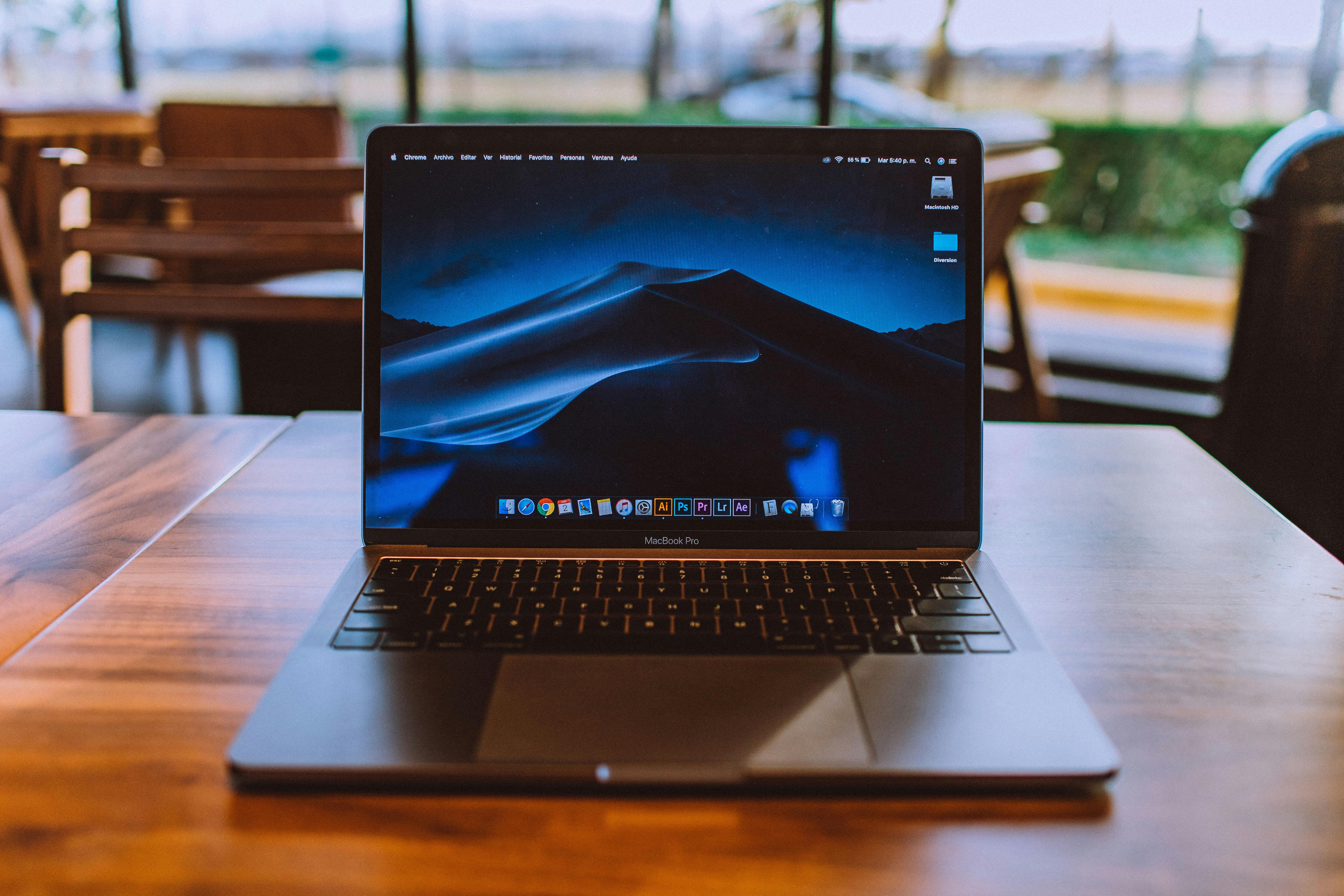
The best laptop is not always the one with the biggest numbers. It is the one with the right balance of speed, storage, battery life, software support, and physical condition for your daily use. Here is what to look at first.
Processor
The processor, or CPU, affects how quickly the laptop handles everyday tasks. For basic browsing, email, documents, and streaming, you do not need the newest chip. A business-class Intel Core i5 or i7, AMD Ryzen 5 or Ryzen 7, or Apple M-series chip can still feel smooth if the rest of the laptop is in good shape.
Generation matters as much as the model name. An older Core i7 is not automatically better than a newer Core i5. When comparing refurbished Windows laptops, pay attention to the processor generation because Windows 11 support depends heavily on CPU compatibility. Microsoft lists Windows 11 as requiring a compatible 64-bit processor with 2 or more cores, plus TPM 2.0, Secure Boot support, at least 4GB of RAM, and at least 64GB of storage.
For most buyers, a newer mid-range processor is usually safer than an older high-end processor. This is especially true if you want the laptop to stay useful for several more years.
RAM
RAM affects how many apps and browser tabs a laptop can handle at once. A laptop with too little RAM can feel slow even if the processor is decent. In 2026, 4GB should be treated as the bare minimum for very light use. It can work for simple browsing or basic school tasks, but it is not ideal if you multitask.
For most people, 8GB of RAM is the practical starting point. It is enough for web browsing, office apps, video calls, schoolwork, and everyday productivity. If you work with large spreadsheets, lots of browser tabs, creative software, coding tools, or heavier multitasking, 16GB of RAM is a much better target.
Storage
Storage is where your files, apps, and operating system live. The most important thing is not only how much storage the laptop has, but whether it uses an SSD or an older hard drive. An SSD makes a major difference in startup speed, app loading, and overall responsiveness.
A refurbished laptop with a 256GB SSD is a strong everyday choice for school, office work, and general use. A 128GB SSD can work if you mostly use cloud storage, but it may feel tight once you install apps and updates. If you save lots of photos, videos, or large work files, 512GB or more is more comfortable. You'll find that as you get close to filling up your storage space, your computer starts to run slower which is why having enough storage space is necessary.
Be careful with older laptops that use a traditional hard drive. They may offer more storage on paper, but they often feel much slower than a smaller SSD.
Battery condition
Battery condition is one of the most important refurbished laptop details, but it is also one of the easiest to overlook. A used laptop may perform well when plugged in but drain quickly away from a charger. If you plan to use the laptop in class, meetings, travel, or coffee shops, battery life matters a lot. The more battery cycles the laptop has gone through, the more the battery has degraded, meaning it won't hold as much of a charge as it used to. It's safe to expect that an older laptop will have gone through more battery cycles (assuming the battery hasn't been replaced).
Ask whether the battery has been tested and whether it still holds a practical charge. For older laptops, some battery wear is normal. The key question is whether the battery life fits your routine. If the laptop will mostly sit on a desk, battery wear may be less important than price, screen quality, and performance.
Operating system support
Software support is a big deal when buying refurbished. A laptop that cannot run current operating systems may still work, but it may not be the best long-term purchase. For Windows laptops, check Windows 11 compatibility. For Macs, check which macOS versions the model can run and whether the apps you need still support that version.
This is where refurbished business laptops can be a good value. Models like Dell Latitude, Lenovo ThinkPad, and HP EliteBook machines were often built for office fleets, so they can offer solid keyboards, reliable chassis, useful ports, and practical repairability. Still, the exact processor generation and OS support should be checked before buying.
Screen size and resolution
Screen size affects comfort and portability. An 11-inch or 12-inch laptop is easy to carry, but it can feel cramped for long work sessions. A 13-inch or 14-inch laptop is often the best balance for students and remote workers. A 15-inch or larger laptop gives more room, but it is less portable.
Resolution also matters. A Full HD screen, usually 1920 x 1080, is a good target for most Windows laptops. Lower-resolution screens can be usable, but text and workspace may feel limited. If you plan to use an external display, you may care more about ports and laptop performance than the built-in screen.
Ports and connectivity
Ports can decide whether a laptop fits your setup. Look for the connections you actually use: USB-A for older accessories, USB-C for newer devices, HDMI for external displays, an SD card slot for cameras, and headphone support if you still use wired audio.
If your goal is a desk setup, think beyond the laptop itself. A refurbished laptop can pair well with an external monitor, keyboard, mouse, and dock. If you want a budget desk setup, browse our used computers collection and compare laptop options with compact desktops such as business-class tiny PCs.
Condition grade
Specs tell you how the laptop should perform. Condition tells you what it may feel like to own. Cosmetic wear does not always affect performance, but it can affect price and expectations. A fair condition laptop may be a smart budget buy if it works properly. A good or mint condition laptop may be better if you care more about appearance and long-term satisfaction.
Pay attention to keyboard wear, hinge feel, screen marks, dents, charger condition, and whether the laptop has been tested. For a daily-use laptop, physical reliability matters just as much as the spec sheet.
Final thoughts
When buying a refurbished laptop, focus first on processor generation, RAM, SSD storage, battery condition, operating system support, and physical condition. Those details usually matter more than chasing the highest processor name or the biggest storage number.
For most everyday buyers, a laptop with a modern enough processor, 8GB or 16GB of RAM, an SSD, and good battery condition will feel much better than an older machine with impressive-sounding specs but weak real-world performance.