

A Guide to Intel and AMD Processors for Laptop and Desktop Buyers
Intel and AMD processors can be confusing because the names change often, the release years are different for laptops and desktops, and a higher number does not always mean a better computer. A newer mid-range processor can be faster and more efficient than an older high-end processor, especially in laptops where heat, power limits, and battery use affect real performance.
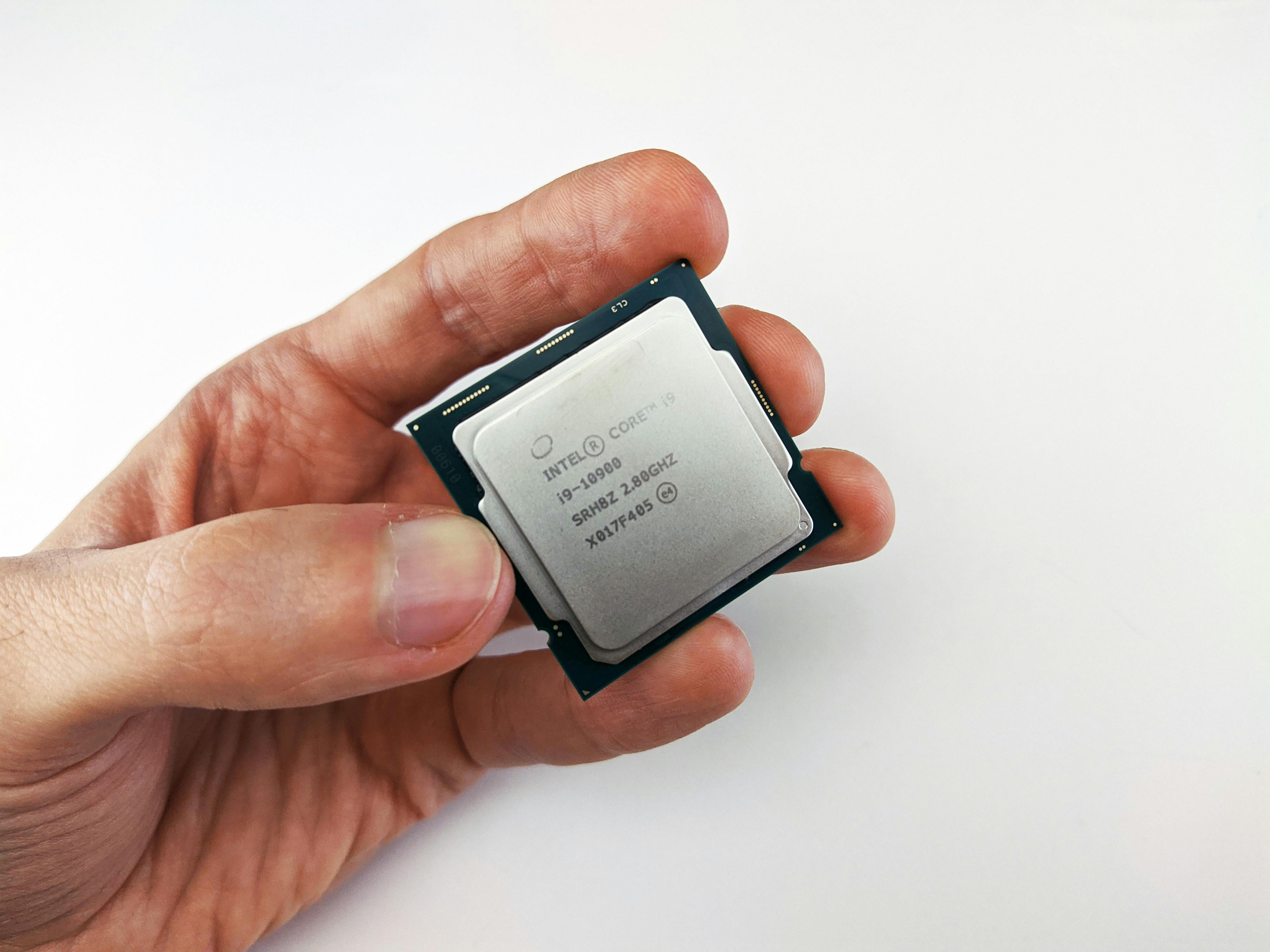
This guide explains the main Intel and AMD processor families, their broad release years, how their naming systems work, and how to compare them when buying a laptop, desktop, mini PC, or refurbished computer. It is written as a general reference, not a model-by-model benchmark list. Exact performance still depends on the full computer, including RAM, storage, cooling, power settings, and graphics.
What the processor does
The processor, also called the CPU, handles general computing tasks. It affects how quickly a computer opens apps, loads websites, runs spreadsheets, edits photos, exports video, compiles code, and manages multitasking. It is not the only part of a computer, but it is one of the main parts that determines how smooth the machine feels.
Modern processors usually include multiple cores. A core is a processing unit inside the CPU. More cores can help with workloads such as video editing, rendering, coding, virtual machines, and heavy multitasking. Single-core speed is still important for everyday responsiveness, many office apps, and some games. The best processor for one person may be excessive for another, so the goal is to match the CPU to the workload.
Intel processor families in plain terms
Intel has used several naming systems. For many years, consumer processors were sold as Intel Core i3, Core i5, Core i7, and Core i9. The number after the "i" showed the performance tier, not the release year. In newer systems, Intel also uses Core 3, Core 5, Core 7, and Core Ultra 5, Core Ultra 7, and Core Ultra 9 branding.
As a simple rule, Core i3 or Core 3 is entry-level, Core i5 or Core 5 is mainstream, Core i7 or Core 7 is higher performance, and Core i9 or Core Ultra 9 is aimed at high-performance users. This is only a starting point. A newer Core i5 can be a better buy than an older Core i7, and a laptop Core i7 can perform differently from a desktop Core i7 because laptop chips have stricter power and cooling limits.
Intel's newer Core Ultra naming is used for many AI PC and premium mobile or desktop processors. Intel states that Core Ultra processors use generation numbers such as Series 1, Series 2, and Series 3, and that mobile suffixes can include H, U, and V. Desktop suffixes can include K, F, KF, and T.
AMD processor families in plain terms
AMD's modern consumer processors are mostly sold under the Ryzen name. The main tiers are Ryzen 3, Ryzen 5, Ryzen 7, and Ryzen 9. Ryzen 3 is entry-level, Ryzen 5 is mainstream, Ryzen 7 is higher performance, and Ryzen 9 is aimed at heavier workloads. AMD also sells Ryzen Threadripper for high-end desktop and workstation use, but those chips are outside what most laptop and everyday desktop buyers need.
AMD Ryzen performance improved significantly after the original Ryzen launch in 2017. The Ryzen 3000, 5000, 7000, and 9000 series are especially common points of comparison in used and new systems. AMD also uses Ryzen AI branding on newer laptops with stronger neural processing hardware for AI features.
Intel release years by generation
The table below gives a broad reference for common Intel Core generations. Laptop and desktop releases do not always arrive at the same time, so treat the year as a practical guide rather than an exact date for every model.
| Intel family | Approximate first release | General notes |
|---|---|---|
| 2nd Gen Core, Sandy Bridge | 2011 | Older used systems; generally best for very basic tasks today. |
| 4th Gen Core, Haswell | 2013 | Common in older business desktops and laptops; limited for modern long-term use. |
| 6th Gen Core, Skylake | 2015 | Still found in refurbished business machines; often below current Windows 11 requirements. |
| 8th Gen Core, Coffee Lake | 2017 | A useful minimum point for many Windows 11 refurbishing conversations. |
| 10th Gen Core, Comet Lake and Ice Lake | 2019 to 2020 | Common in used laptops; performance varies widely between U, H, and desktop chips. |
| 11th Gen Core, Tiger Lake and Rocket Lake | 2020 to 2021 | Often better integrated graphics in laptops, with mixed desktop positioning. |
| 12th Gen Core, Alder Lake | 2021 | Introduced Intel's hybrid performance-core and efficiency-core approach for many models. |
| 13th Gen Core, Raptor Lake | 2022 | Built on the hybrid design with higher performance across many desktop and laptop models. |
| 14th Gen Core, Raptor Lake Refresh | 2023 | Mainly a refresh of 13th Gen for many desktop parts, with model-specific changes. |
| Core Ultra Series 1 | 2023 | Introduced the Core Ultra brand for many AI PC laptops. |
| Core Ultra Series 2 | 2024 | Expanded AI PC branding across mobile and desktop lines. |
| Core Ultra Series 3 | 2026 | Newer Intel AI PC generation, with availability varying by system type. |
AMD Ryzen release years by generation
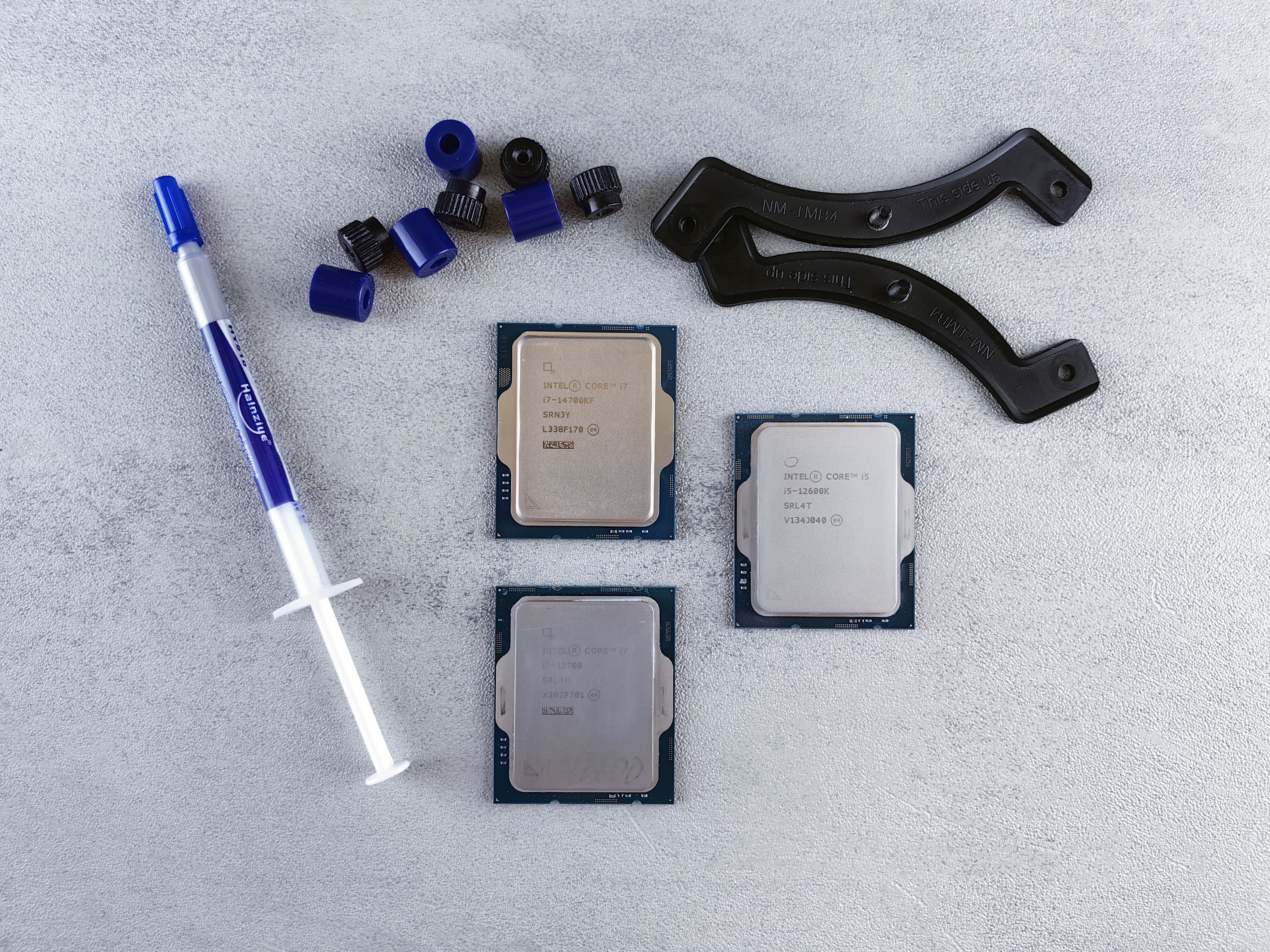
AMD Ryzen naming is more consistent than older Intel naming, but there are still desktop and laptop differences. Some laptop model numbers can mix newer branding with older architecture, so checking the exact CPU is still useful.
| AMD family | Approximate first release | General notes |
|---|---|---|
| Ryzen 1000, Zen | 2017 | The first mainstream Ryzen generation and a major reset for AMD desktop CPUs. |
| Ryzen 2000, Zen+ | 2018 | A refined version of first-generation Ryzen with improved latency and efficiency. |
| Ryzen 3000, Zen 2 | 2019 | A strong jump for desktop performance and a common point in used PC builds. |
| Ryzen 4000 mobile and desktop APUs | 2020 | Often found in laptops and compact systems, with strong integrated graphics for the time. |
| Ryzen 5000, Zen 3 | 2020 | A widely recommended generation in used desktops and laptops because of its balance. |
| Ryzen 6000 mobile | 2022 | Laptop-focused generation with improved efficiency and integrated graphics. |
| Ryzen 7000, Zen 4 | 2022 | Newer desktop platform with DDR5 and PCIe 5.0 support on many systems. |
| Ryzen 8000 desktop APUs and mobile models | 2024 | Often associated with stronger integrated graphics and AI-focused laptop models. |
| Ryzen 9000, Zen 5 | 2024 | Newer desktop generation with AMD's Zen 5 architecture. |
| Ryzen AI 300 and later Ryzen AI families | 2024 and later | Designed for newer AI PC laptops with dedicated neural processing hardware. |
How Intel and AMD compare
Intel and AMD both make fast processors. The better choice depends on the exact model, the computer it is installed in, and the type of work being done. Comparing "Intel vs AMD" as brands is less useful than comparing two specific CPUs in similar systems.
In everyday use, both brands can feel very similar when paired with enough RAM and an SSD. A modern Intel Core i5, Core Ultra 5, AMD Ryzen 5, or Ryzen AI 5 can handle browsing, documents, video calls, streaming, and schoolwork comfortably. For many buyers, RAM, SSD storage, screen quality, battery condition, and price may affect the overall experience as much as the CPU.
For gaming, the processor is only one part of the system. The graphics card or integrated graphics often has a larger effect. AMD's X3D desktop processors have been popular for gaming because of their larger cache, while Intel's higher-end Core and Core Ultra desktop chips can also perform well when paired with sufficient cooling and a strong graphics card. In laptops, gaming performance depends heavily on the GPU and the laptop's cooling design.
For content creation, more CPU cores can help with rendering, encoding, and exporting. Intel Core i7, Core i9, Core Ultra 7, and Core Ultra 9 models often target these users, as do AMD Ryzen 7 and Ryzen 9 processors. If the work includes GPU-accelerated video editing, 3D rendering, or AI tools, the graphics hardware and memory can be just as important as the CPU.
For battery life, newer laptop processors usually have an advantage over older chips. Intel's U and V suffix chips are often tuned for efficiency, while H and HX chips are tuned for higher performance. AMD's U-series and many Ryzen AI laptop chips are also designed with efficiency in mind. A thin laptop with a high-performance chip can still slow down under sustained load if it cannot remove heat effectively.
How to read Intel suffixes
Intel suffixes help explain the type of processor. They are not the whole story, but they are useful when comparing laptops and desktops.
- U usually indicates a lower-power laptop processor for thin and light systems.
- P was used on some performance-focused thin laptop chips.
- H usually indicates a higher-power laptop processor for performance laptops.
- HX usually indicates a very high-performance laptop processor class.
- K usually indicates an unlocked desktop processor for overclocking.
- F usually indicates a desktop processor without integrated graphics.
- T usually indicates a lower-power desktop processor.
- V appears on some newer Core Ultra mobile processors focused on efficient AI PC designs.
How to read AMD suffixes
AMD suffixes also show the processor class. As with Intel, the exact model and system design should still be checked.
- U usually indicates a lower-power laptop processor.
- HS usually indicates a performance laptop processor with lower power than the highest-end class.
- HX usually indicates a higher-performance laptop processor.
- X usually indicates a higher-performance desktop processor.
- X3D indicates a desktop processor with AMD 3D V-Cache, often used in gaming-focused builds.
- G usually indicates desktop processors with stronger integrated graphics.
- PRO indicates business-focused features on supported systems.
Desktop versus laptop processors
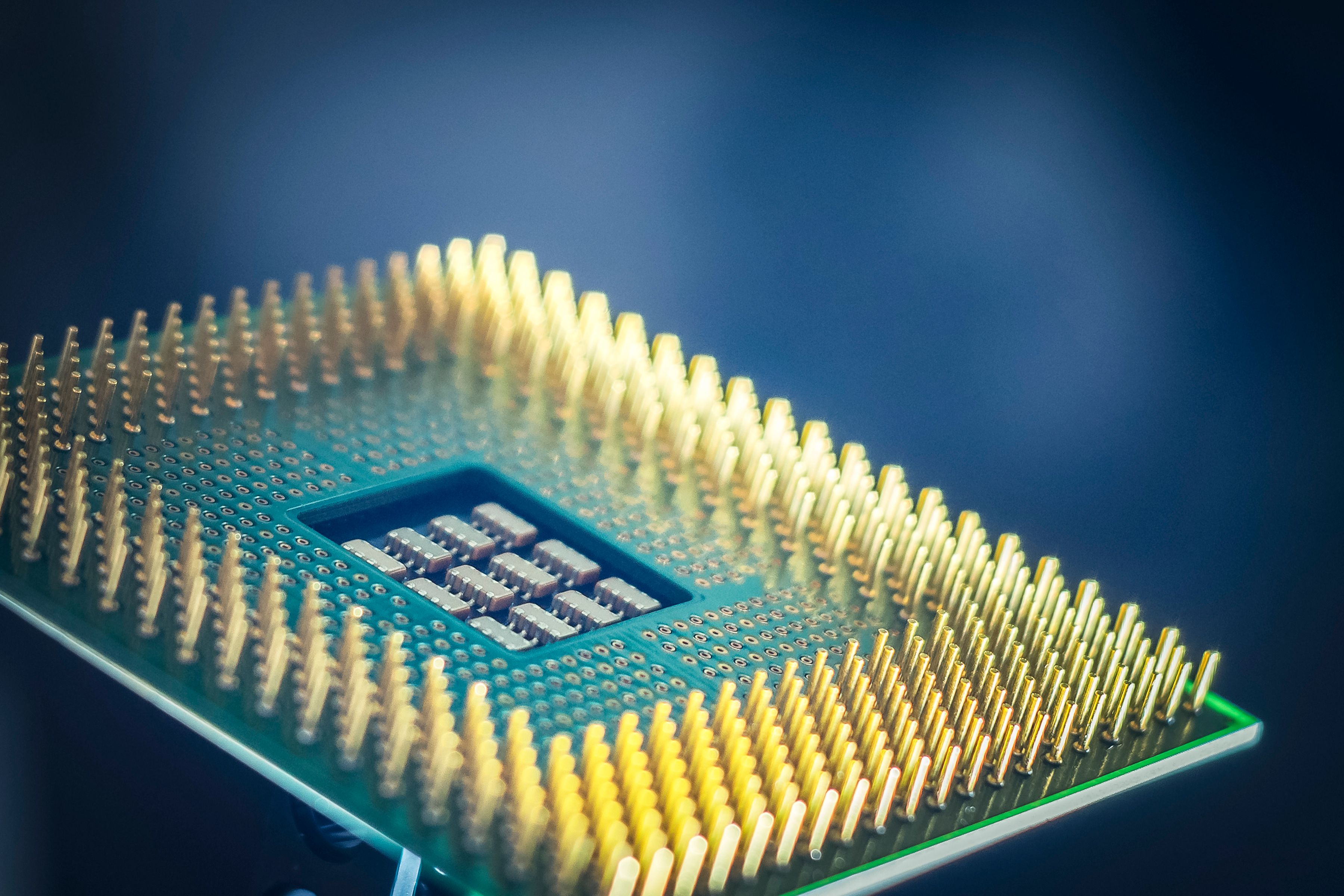
A desktop processor usually has more room for cooling and can draw more power. This helps it maintain higher speeds during long workloads. A laptop processor has to fit inside a smaller system and must balance performance, heat, fan noise, and battery use.
This is why a desktop Core i7 and a laptop Core i7 are not automatically equivalent. The same idea applies to Ryzen 7 desktop and laptop processors. When comparing a laptop to a desktop, compare the exact CPU model, the system's cooling design, and the intended workload instead of relying on the tier name alone.
Which processor tier should you choose?
For basic browsing, email, documents, streaming, and light schoolwork, Intel Core i3, Core 3, AMD Ryzen 3, or an older Core i5 or Ryzen 5 can be enough if the system has an SSD and adequate RAM. These systems are best when price is the main priority.
For most everyday buyers, Intel Core i5, Core 5, Core Ultra 5, AMD Ryzen 5, or Ryzen AI 5 is the practical middle range. These processors are suitable for office work, school, remote work, video calls, light photo editing, and general multitasking.
For heavier multitasking, creative work, coding, and longer-term use, Intel Core i7, Core Ultra 7, AMD Ryzen 7, or Ryzen AI 7 is a reasonable step up. These chips often provide more cores, higher speeds, or stronger graphics depending on the model.
For demanding desktop work, workstation-style tasks, gaming builds, or heavy content creation, Intel Core i9, Core Ultra 9, AMD Ryzen 9, or Threadripper may be appropriate. These processors cost more, use more power, and need better cooling. They are not required for normal browsing or office use.
Buying used or refurbished
When buying a used or refurbished computer, release year and processor generation are often more useful than the tier name alone. A 2021 or newer Core i5 can be a stronger choice than an older Core i7 from several generations earlier. A Ryzen 5 from a newer generation can also be a better everyday computer than an older Ryzen 7 if the older system has weak battery life, limited RAM, or slow storage.
For Windows computers, also check operating system support. Many buyers want Windows 11 support, so processor age can affect whether a used computer is a good long-term option. For laptops, battery condition should be checked alongside the CPU. For desktops, look at upgrade options, available ports, RAM capacity, and whether the power supply and cooling are appropriate.
If you are comparing systems, browse our used computers collection and check each listing for processor model, RAM, storage, condition, and included accessories. The processor is one important part of the decision, but it should be reviewed with the full computer.
Quick comparison guide
| Use case | Intel examples | AMD examples | What to check |
|---|---|---|---|
| Basic everyday use | Core i3, Core 3, older Core i5 | Ryzen 3, older Ryzen 5 | SSD, 8GB RAM or more, battery condition for laptops. |
| School and office work | Core i5, Core 5, Core Ultra 5 | Ryzen 5, Ryzen AI 5 | Generation, RAM, screen quality, ports, webcam, Wi-Fi. |
| Creative work and coding | Core i7, Core Ultra 7 | Ryzen 7, Ryzen AI 7 | Core count, memory, storage, cooling, graphics hardware. |
| Gaming | Core i5 to Core i9, depending on budget | Ryzen 5 to Ryzen 9, including X3D desktop chips | Graphics card, cooling, monitor resolution, power supply. |
| Heavy workstation tasks | Core i9, Core Ultra 9, Xeon in workstations | Ryzen 9, Threadripper, Threadripper PRO | Software needs, cores, memory capacity, GPU, storage speed. |
Final thoughts
Intel and AMD both offer capable processors. The best choice is usually not based on brand alone. Compare the exact model, generation, release year, power class, and the rest of the computer. For most buyers, a newer mid-range Intel Core or AMD Ryzen processor with enough RAM and SSD storage will provide a better experience than an older high-end chip in a poorly balanced system.
If you are buying new, focus on the current generation, warranty, battery life for laptops, and whether the system fits your workload. If you are buying used or refurbished, focus on generation, condition, operating system support, RAM, SSD storage, and battery health. That approach makes Intel and AMD comparisons much easier to understand.